Everything you need, nothing you don’t.
TaskFlow distills project management into its purest form. Built for solo founders who demand speed, clarity, and uncompromising focus.
Explore Features ↓
The Flow Dashboard
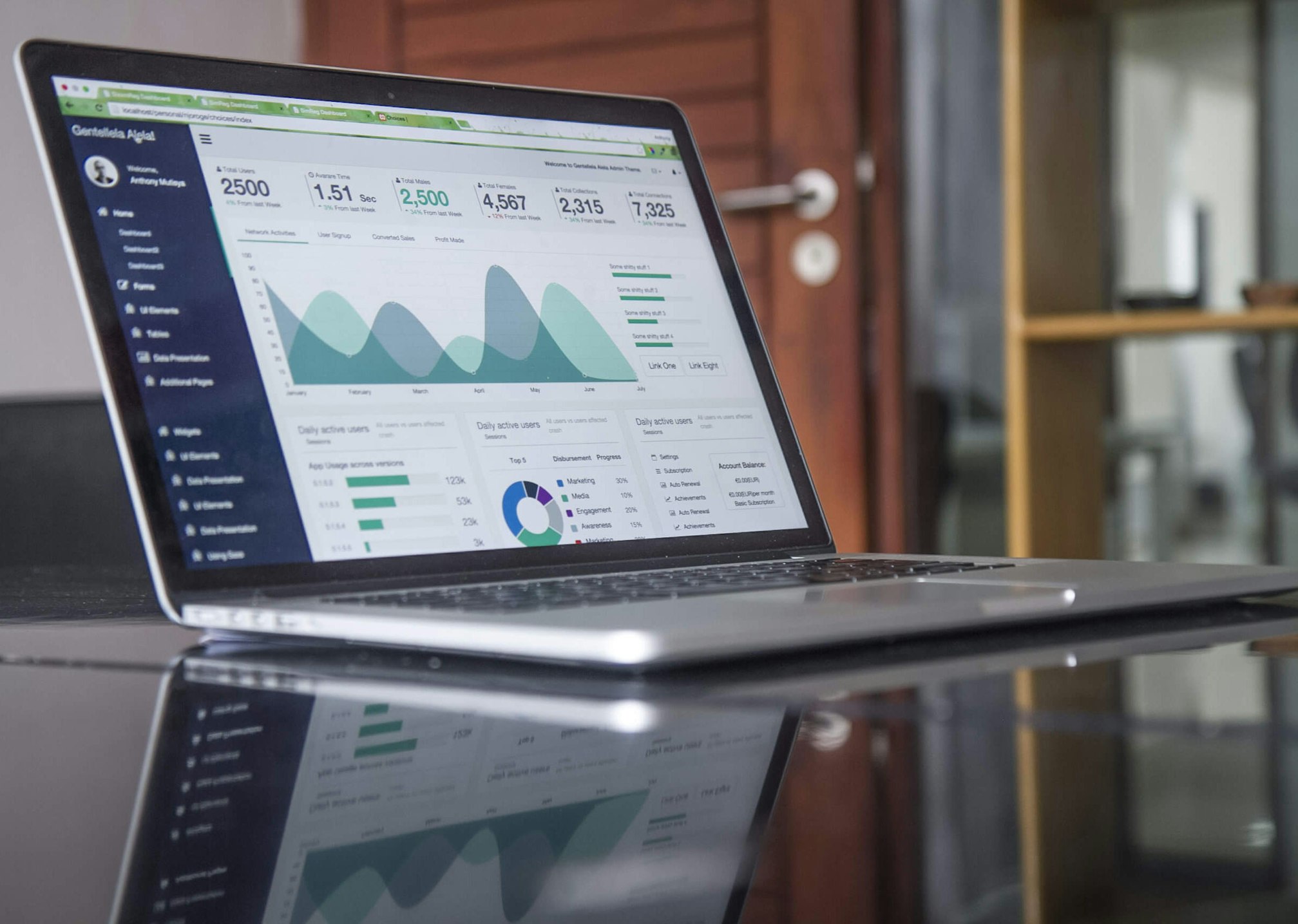
Visualize your entire day at a single glance. Our dashboard eliminates nested menus and complex hierarchies, bringing your most critical tasks front and center.
Drag, drop, and reorganize with zero friction. The interface is designed to get out of your way so you can enter your flow state faster.
Deep Work Mode
Notifications are the enemy of focus. With a single click, Deep Work Mode pauses all incoming alerts, hides secondary tasks, and turns your screen into a pure canvas for creation.
Stay immersed in your code or design until the sprint is finished. TaskFlow silently tracks your progress in the background.

Keyboard-First Navigation
Built for power users. Every action in TaskFlow—from creating a project to assigning a tag—can be executed via global keyboard shortcuts.
Never take your hands off the keyboard. Navigate the application at the speed of thought and watch your productivity compound.
The Minimalist Advantage
See how TaskFlow strips away the bloat compared to traditional enterprise management tools.
| Feature Area | TaskFlow (Solo) | Traditional Enterprise |
|---|---|---|
| Onboarding Time | Instant (No configuration required) | 2-3 Weeks (Dedicated onboarding rep) |
| Interface Philosophy | Subtraction (Hidden until needed) | Addition (Endless sidebars and toggles) |
| Deep Work Integration | Built-in notification silencer | Requires third-party extensions |
| Performance / Load Time | Under 50ms (Optimized for speed) | 1.5s – 3s (Heavy DOM nodes) |
| Keyboard Shortcuts | Global 100% Coverage | Partial coverage |
Ready to experience the flow?
Join thousands of solo founders who have reclaimed their time and focus.
Launch Dashboard →